How it works
From plan to PR in four steps.
GymTempo is built for the rack. No tutorials, no onboarding tour — just open it and lift. Here's the full loop.
- 01
Set up your routine.
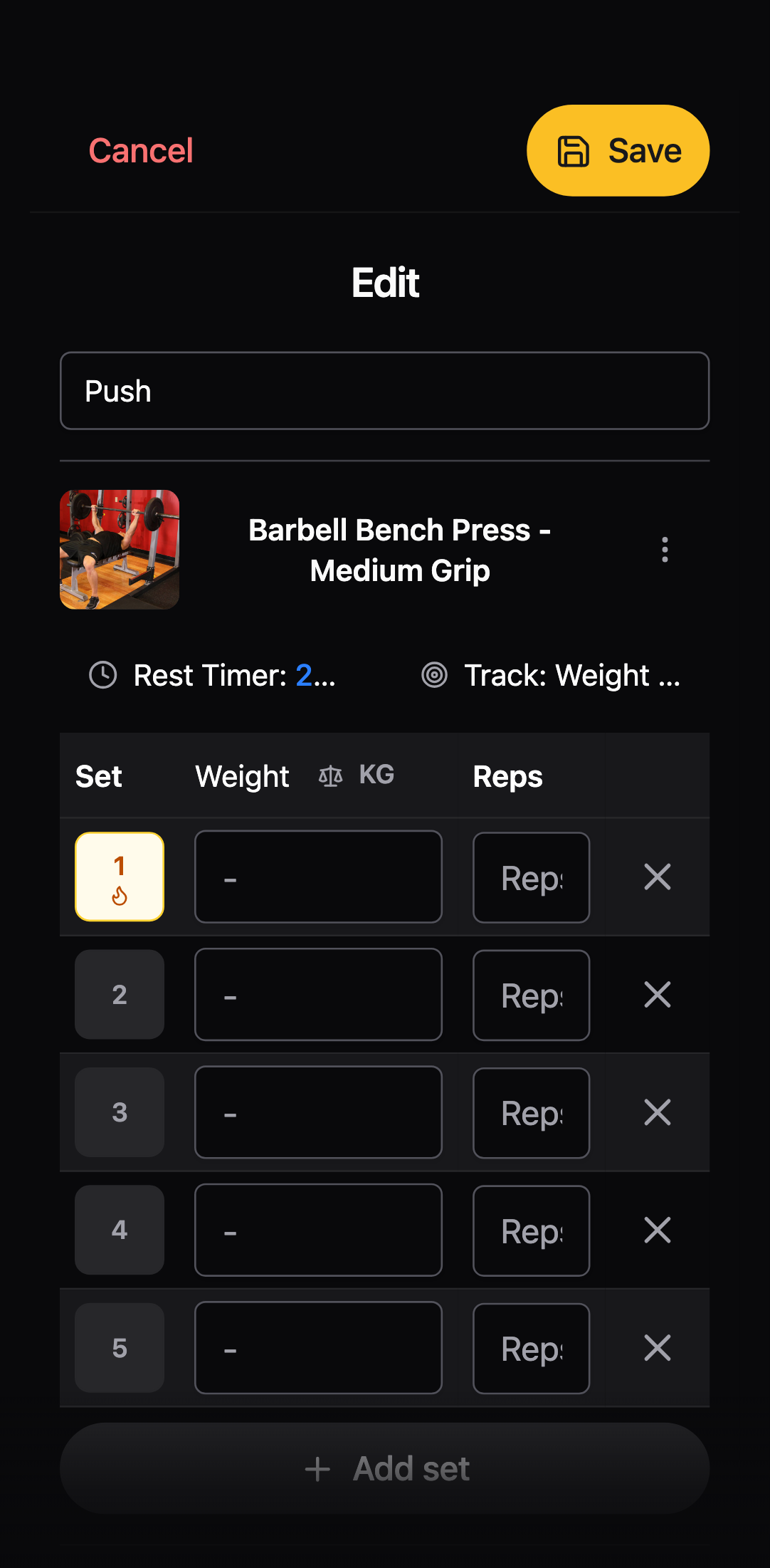
Pick a starter template — Push/Pull/Legs, Upper/Lower, 5x5 — or build your own. Drag exercises in, set target reps, save. Takes ninety seconds.
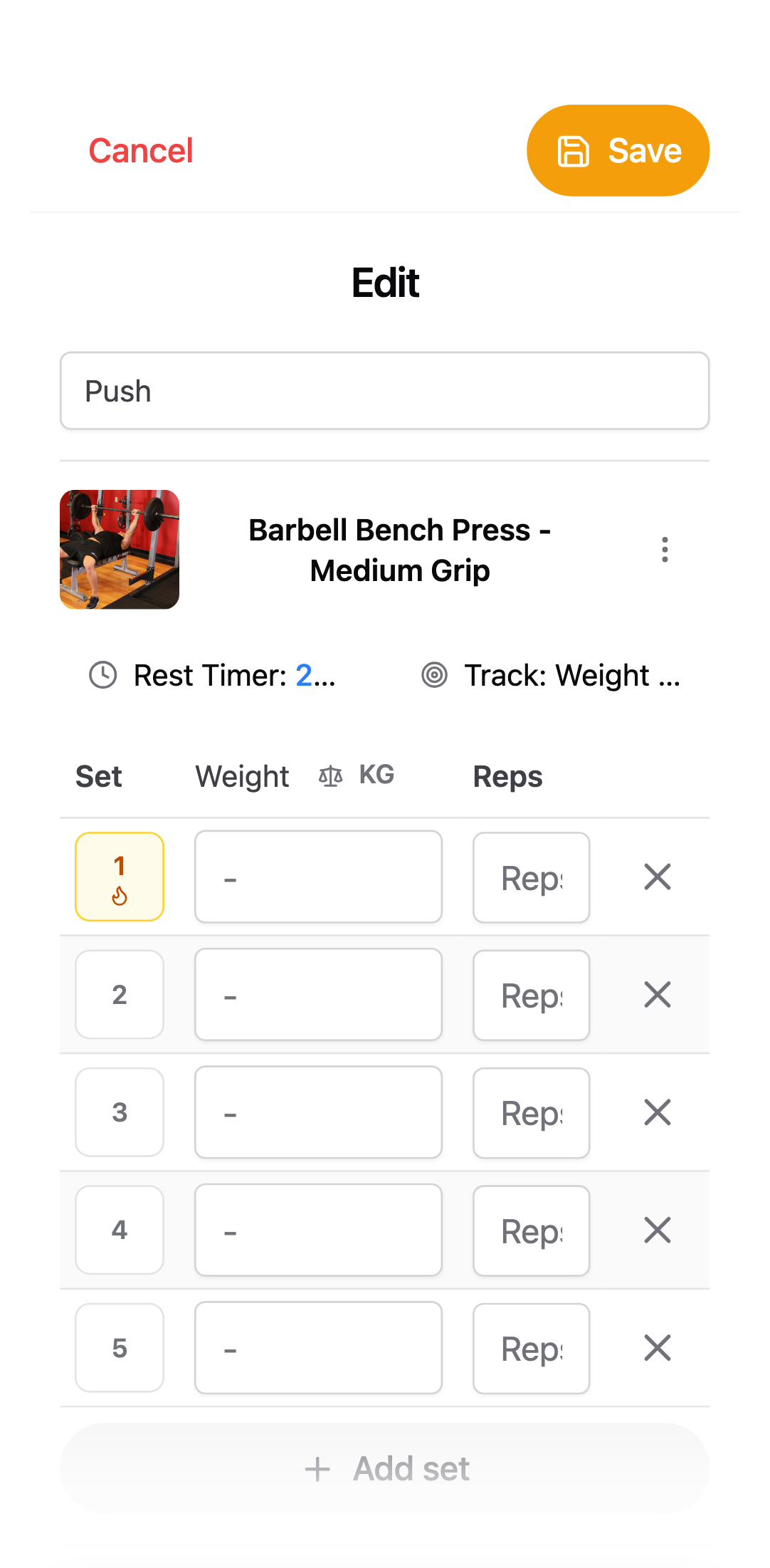
Build routine TemplatesPush / Pull / LegsUpper / Lower5×5 Strength+ Build ownBench press 5×5Overhead press 4×8Incline DB 3×10 - Today · Push A ReadyBench press last · 80 kgOverhead press last · 50 kgIncline DB last · 22 kg02
Start a session.
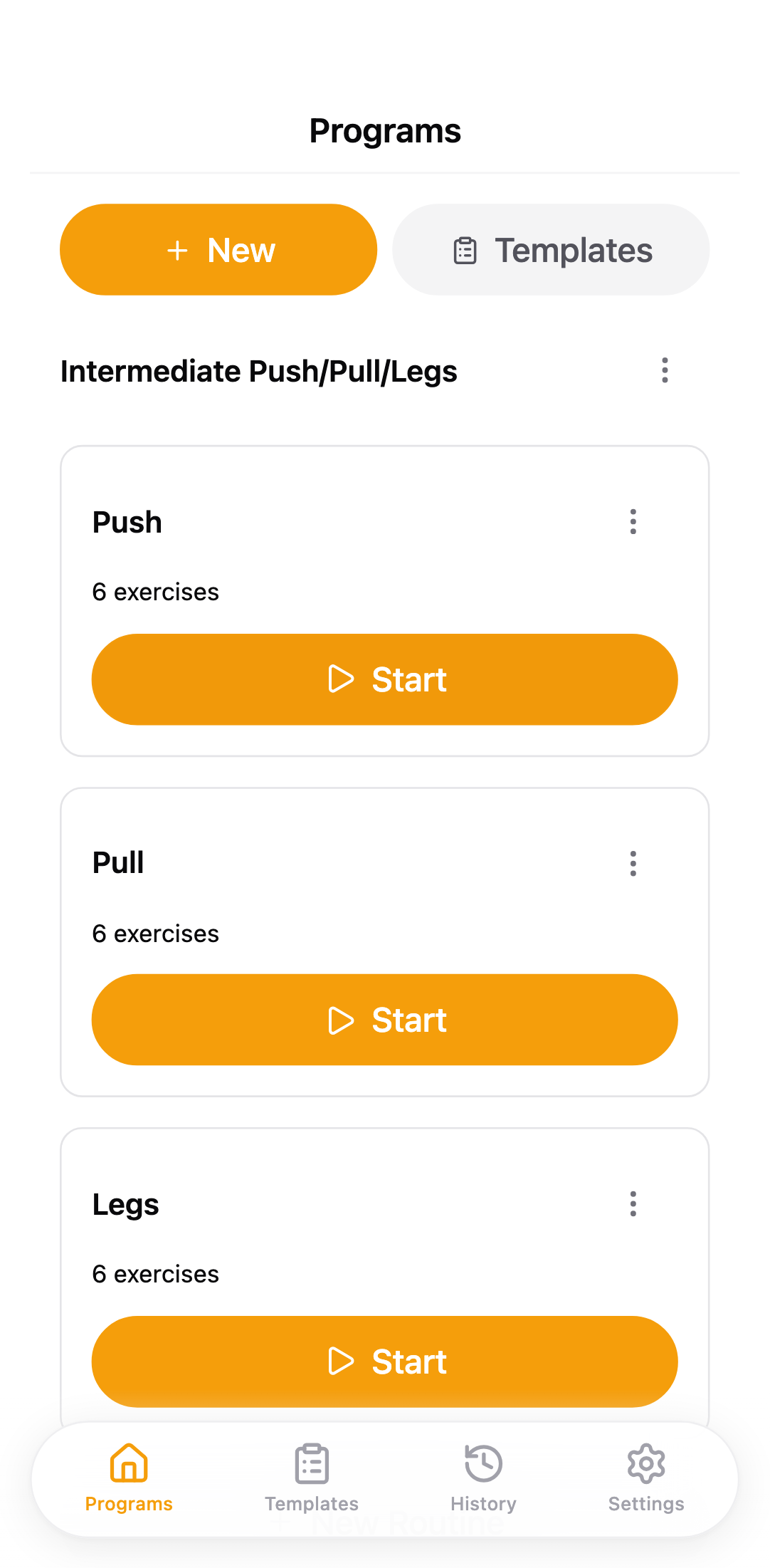
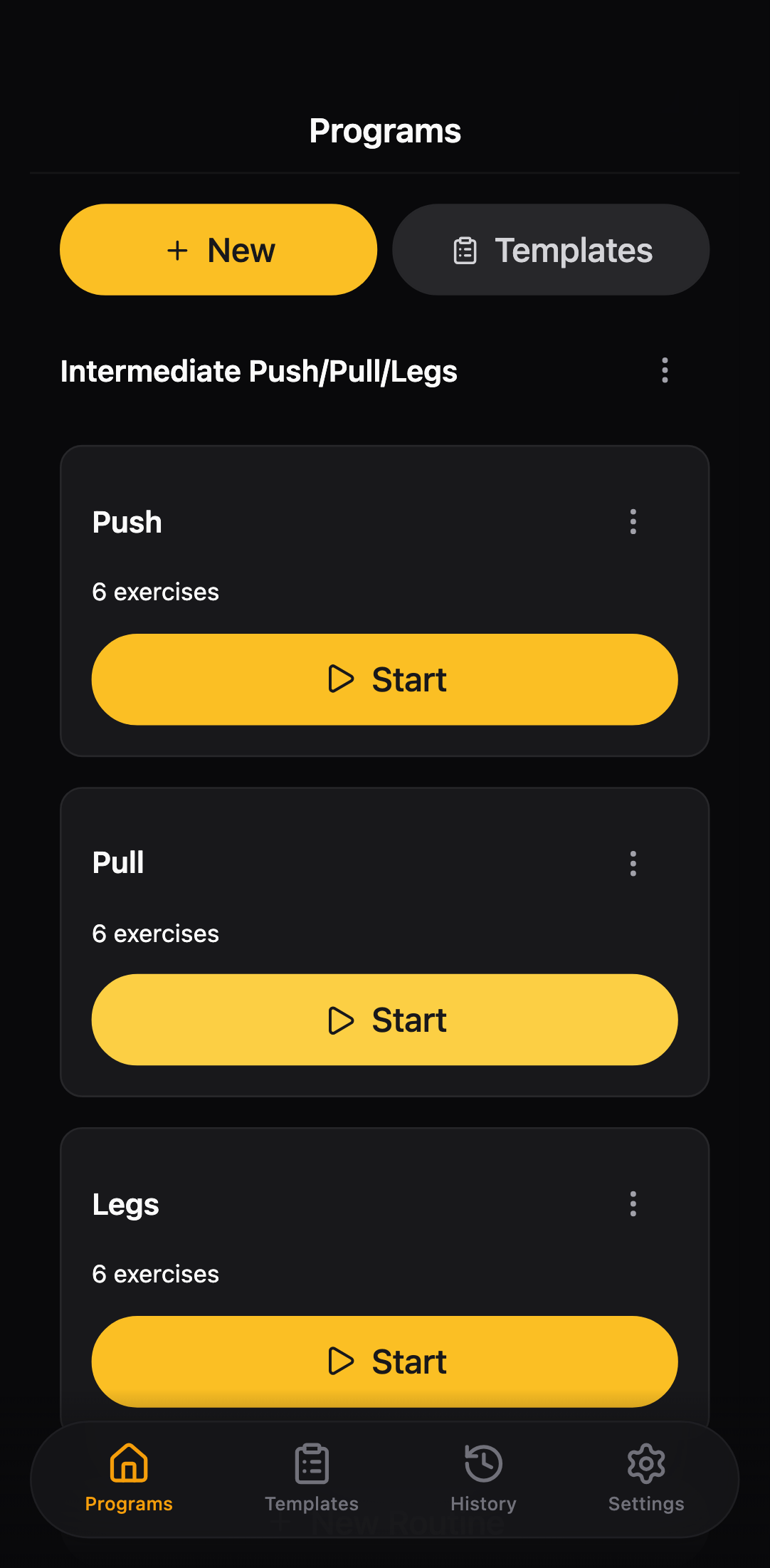
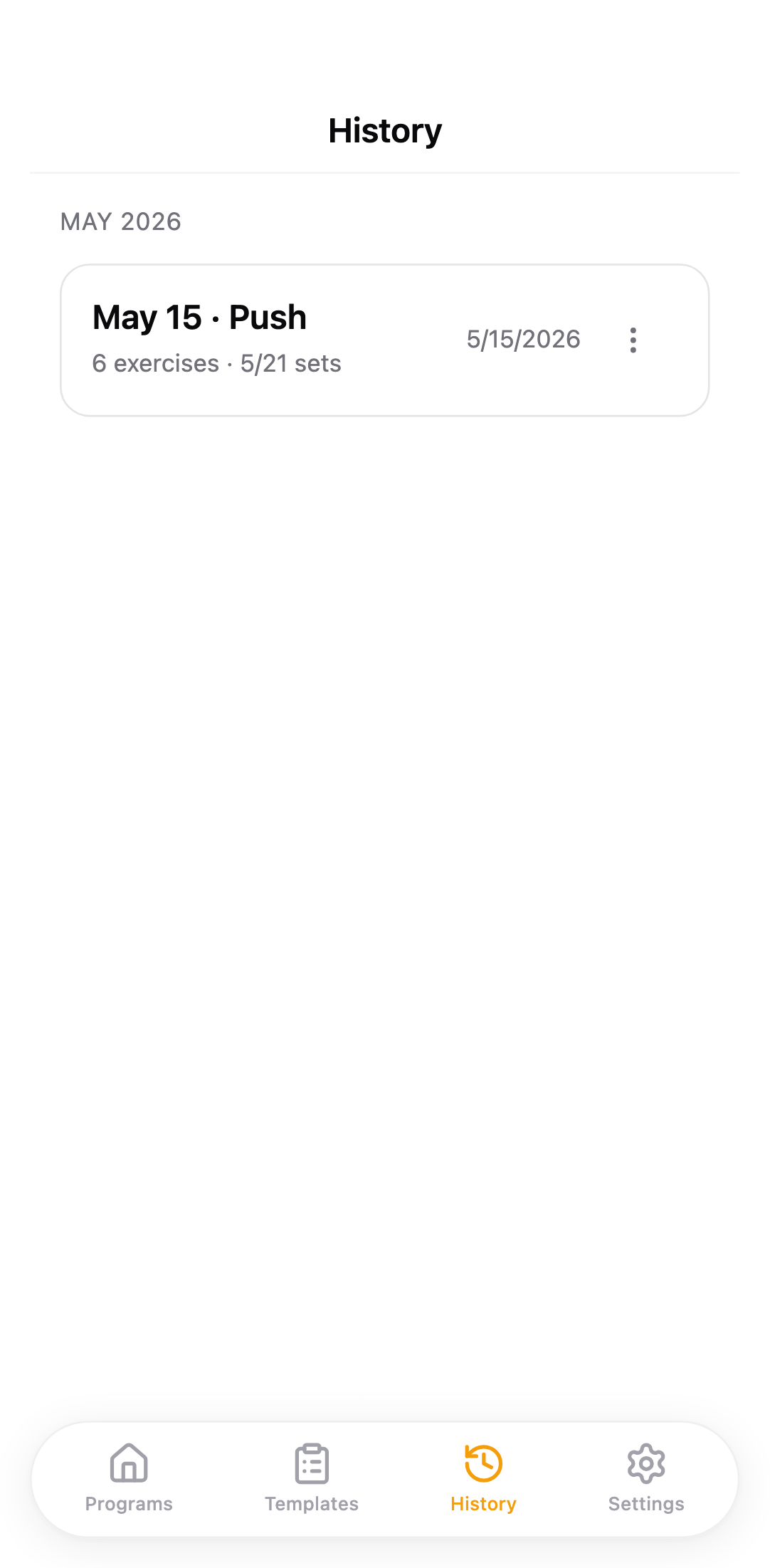
Tap your routine. Today's exercises load with your last weights pre-filled. No 'create workout' flow, no naming things, no choosing a date.
- 03
Log sets in two taps.
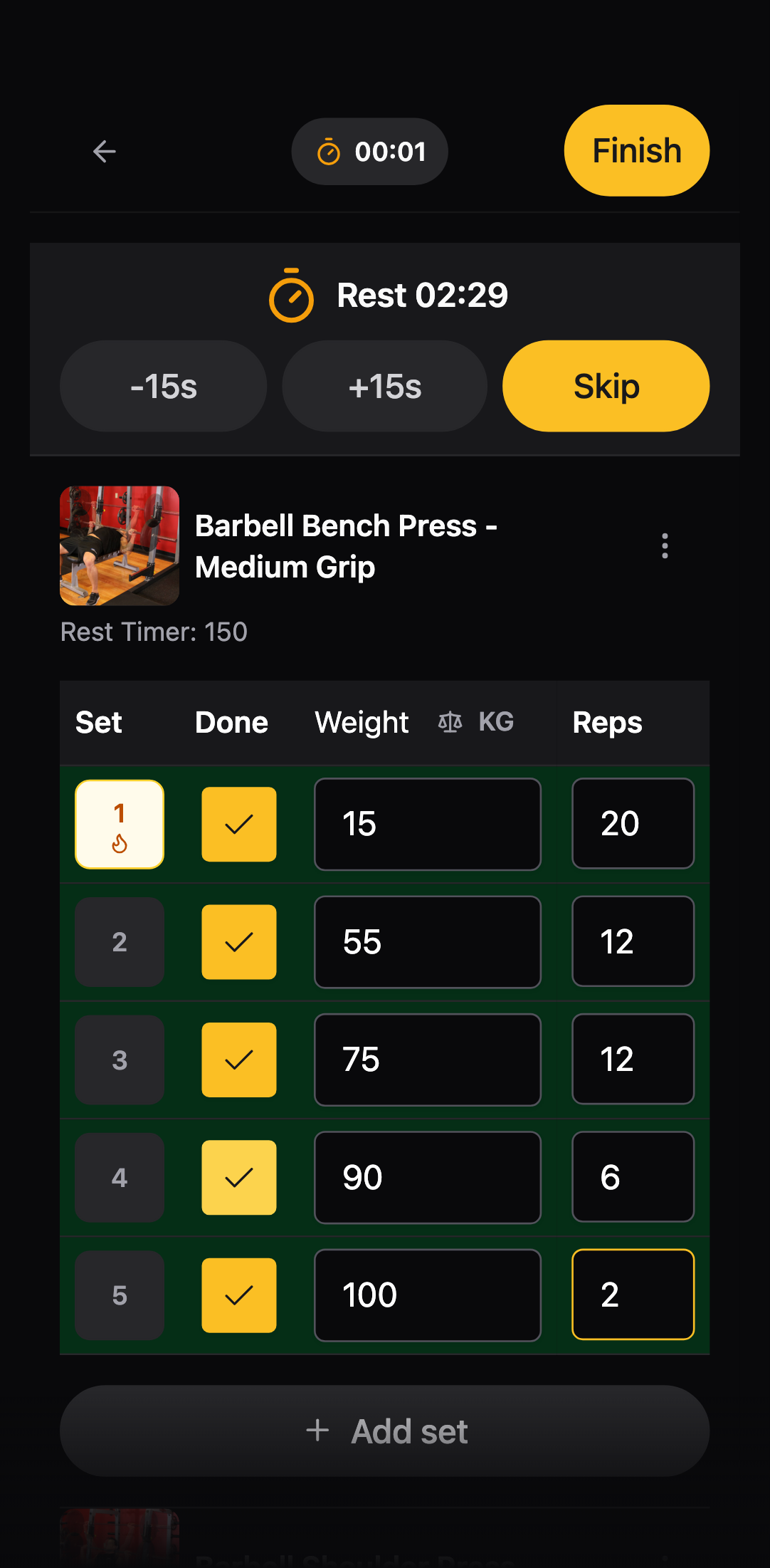
Hit the weight, hit the reps, done. The rest timer starts itself. Rack busy? Tap to swap in an alternative — your sets carry over.
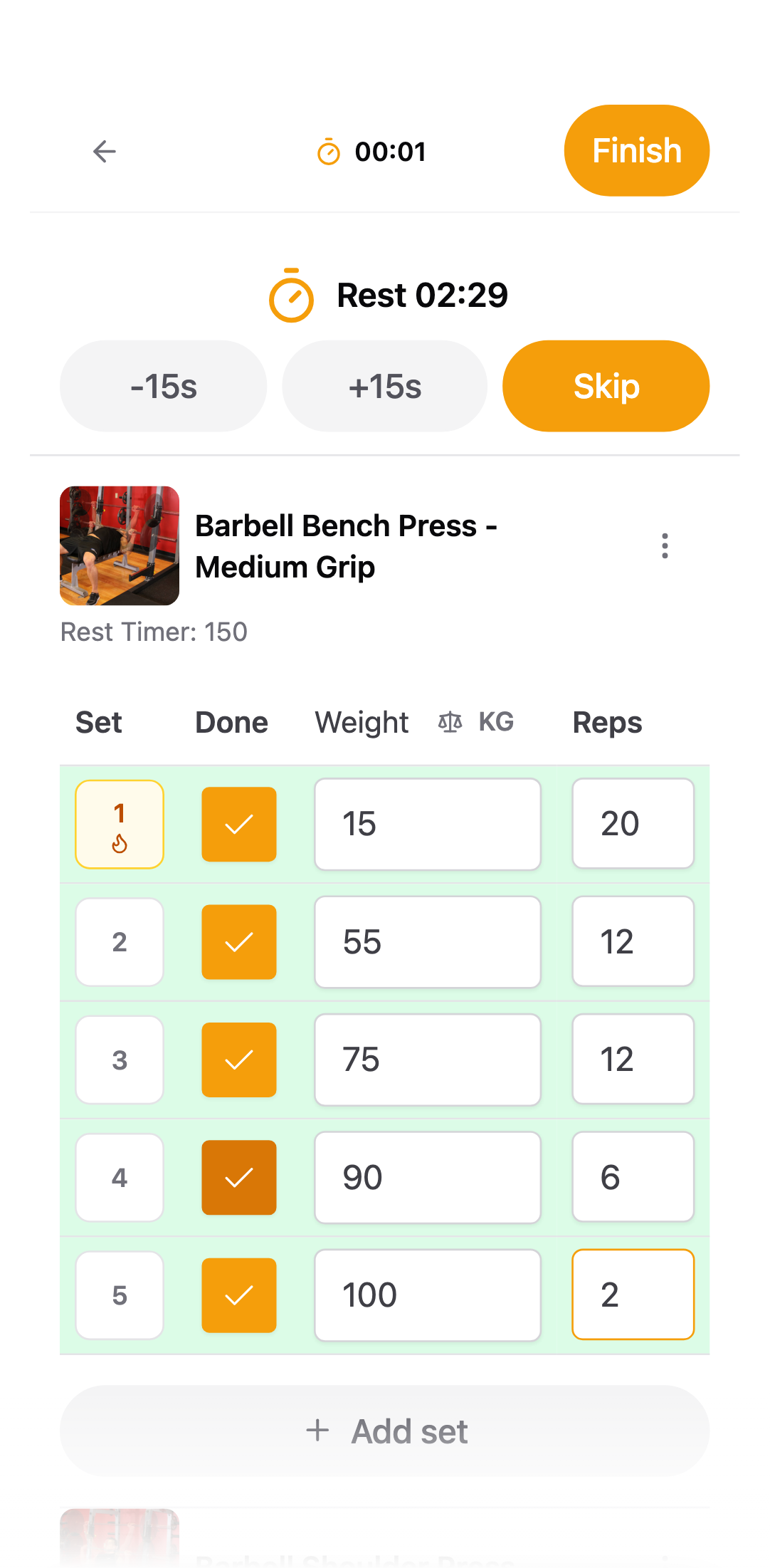
Bench press Rest 01:24Weight
82.5
Reps
5
Log
✓
Swap to Dumbbell rowrack busy - Bench press · history PR · 100 kg12 wk +18 kg04
Watch progress compound.
Every lift has a history right next to the input. PRs are flagged automatically. Streaks build themselves. Export to CSV any time.
That's the whole app.
No coach, no AI, no social feed. Just sets, reps, and a swap button.
Get the app